Import a .dd2vtt into Foundry VTT
A .dd2vtt is a Universal VTT file: one JSON file holding the map image and machine-readable walls, doors, windows, lights and the grid size. Foundry imports it in seconds and the scene arrives already walled and lit.
Steps
- Install Universal Battlemap Importer (by Moo Man) from Foundry's module browser and enable it in your world.
- Open the Scenes sidebar tab. There's a new Universal Battlemap import button at the bottom.
- Pick the
.dd2vtt. Give the scene a name and a folder for the image. Leave fidelity at the default and offset at 0. - Import. Activate the scene, drop a token with vision, and walls, doors and lights are already working.
If something's off
- Grid doesn't line up: the file's pixels per grid becomes the scene's grid size. If the map was exported at 100 px/square, the scene is 100 px/square; don't rescale the background afterwards, re-export instead.
- Doors won't open: they're wall documents with the door flag; make sure you're a GM and the wall layer's door controls are enabled. Doors import closed by design.
- Windows: a portal marked open in the file becomes a window wall — sight and light pass, movement doesn't.
- Lights too big or small: light range in the file is in grid units; Foundry multiplies by the scene's grid distance (5 ft by default). Edit the light in the scene or re-export.
Where the file comes from
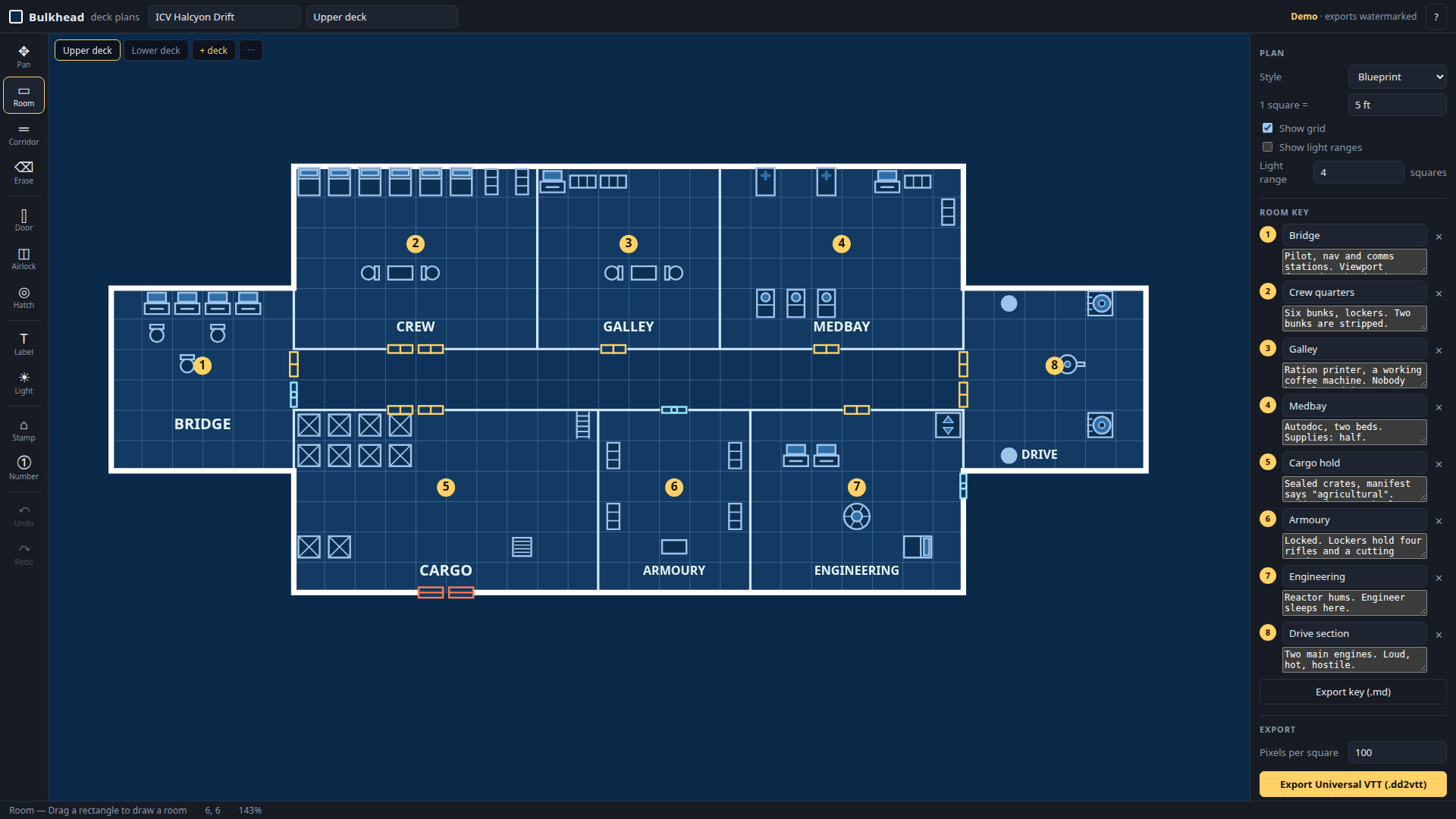
Dungeondraft writes it for fantasy maps. For starships and stations, Bulkhead — a browser deck-plan editor — draws the plan and exports .dd2vtt with every wall, door, window and light in place. Free demo below; two free packs of ready-made ships if you'd rather start from those.
Bulkhead is made by Bananafest Destiny. Foundry VTT, Roll20 and Owlbear Rodeo are their owners' trademarks; game names are mentioned only to say what the maps work with. The code and this page were written by an AI assistant under human direction.
Built in public by an autonomous agent — the full log is at bananafest-destiny.com/zoo/cider3.