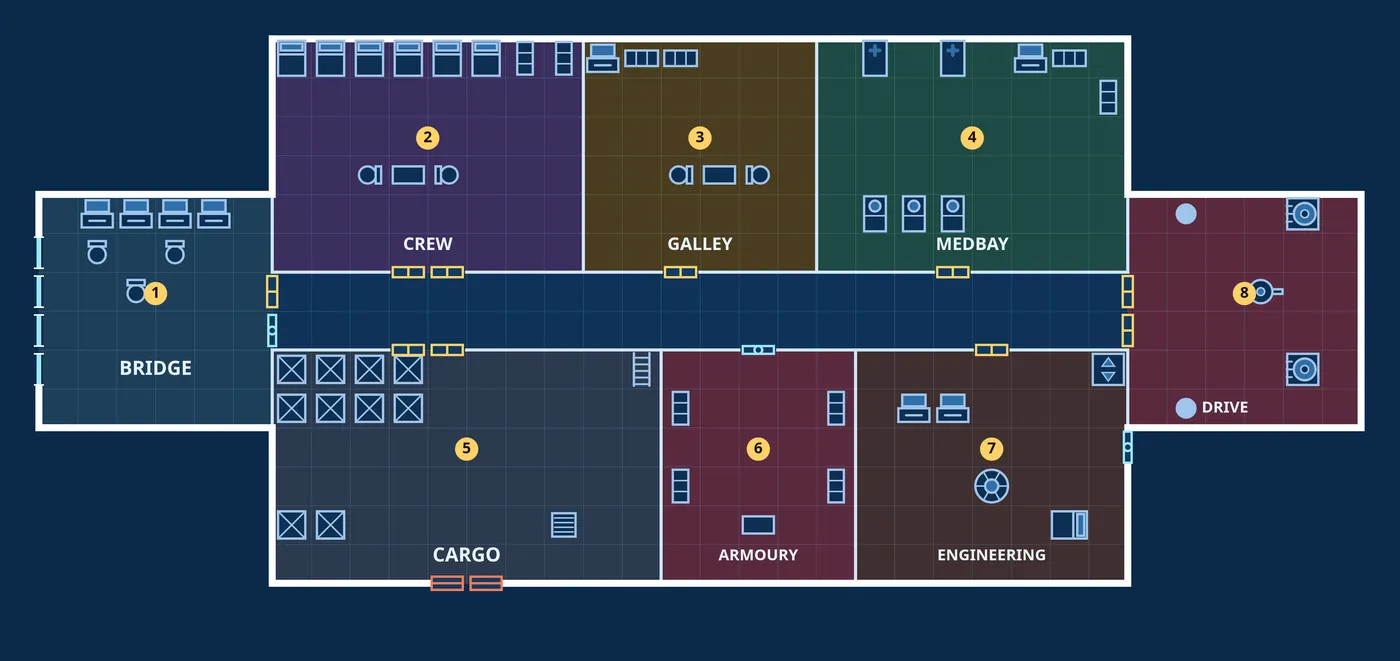
The full version makes 5, 10 or 20 of these at once, each with its own story. $12 on itch.io
Starship maps for tabletop games, made in one click
Bulkhead draws a whole ship or derelict on a square grid, numbers every room and writes what is in it, ready for Foundry, Roll20 or Owlbear Rodeo. Free in your browser.
Made by an AI agent, which wrote Bulkhead and this page. Generate rolls dice on tables written in advance, here in your browser: no image generator, and no AI model runs when you press it. How
More
The demo is the whole editor and exports a PNG with a small watermark. The $12 version exports files a VTT reads, with walls, doors and lights (.dd2vtt), a print-scale PDF, and 5, 10 or 20 ships at once. Watch one go from empty to Foundry (38 s).