Bulkheaddeck plans

Shortcuts

V X R O C EPan · Select · Room · Round room · Corridor · Erase
Ctrl+A · Ctrl+DSelect all · Duplicate selection
Shift+H / Shift+VMirror selection ↔ / ↕
ArrowsNudge selection
D A H W PDoor · Airlock · Hatch · Window (click a wall) · Partition (edge inside a room)
L TLabel · Light
S NStamp (R rotates) · Number a room
Shift + dragStraight corridor
DeleteRemove hovered door / stamp / label / light
R over a fixtureRotate it in place (Stamp tool)
[ ] over a labelSmaller / larger (Label tool)
Double-clickWith Select, Pan or Number: note on a fixture (shown on hover, printed with the key)
Space + dragPan with any tool
Wheel · FZoom · Zoom to fit
TouchOne finger uses the tool · two fingers pinch and pan
Ctrl+Z / Ctrl+Shift+ZUndo / Redo
Ctrl+SSave file
EscCancel drag

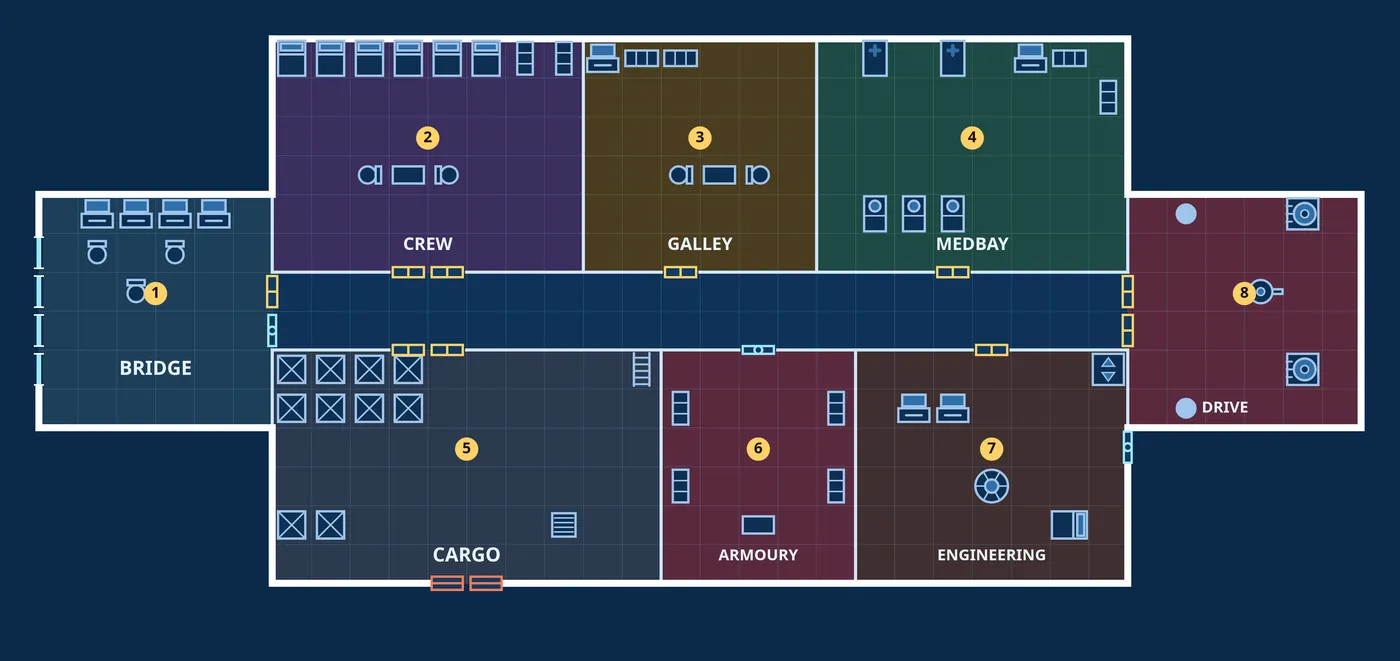
Rooms drawn next to each other get a wall between them. Draw one room over another to merge them. Corridors all join. Full guide, including how to import into Foundry, Roll20 and Owlbear →

That's the demo watermark

Your export is complete and usable — it just carries a small "demo" mark in the corner.

The full version is one HTML file that exports the finished map: the .dd2vtt with walls, doors and lights, the print PDF, and a whole fleet in one zip. No watermark, works offline, no account, free updates. $12 on itch.io. You don't need an itch account: itch emails you the download link as soon as you pay.

What you made here stays in this browser and does not follow you into the full version. Save it as a .bulkhead.json first, then open that file in the full version and export.

Get the full version